Business Strategy
Production Scheduling for Job Shops: When the Whiteboard and Spreadsheet Stop Working
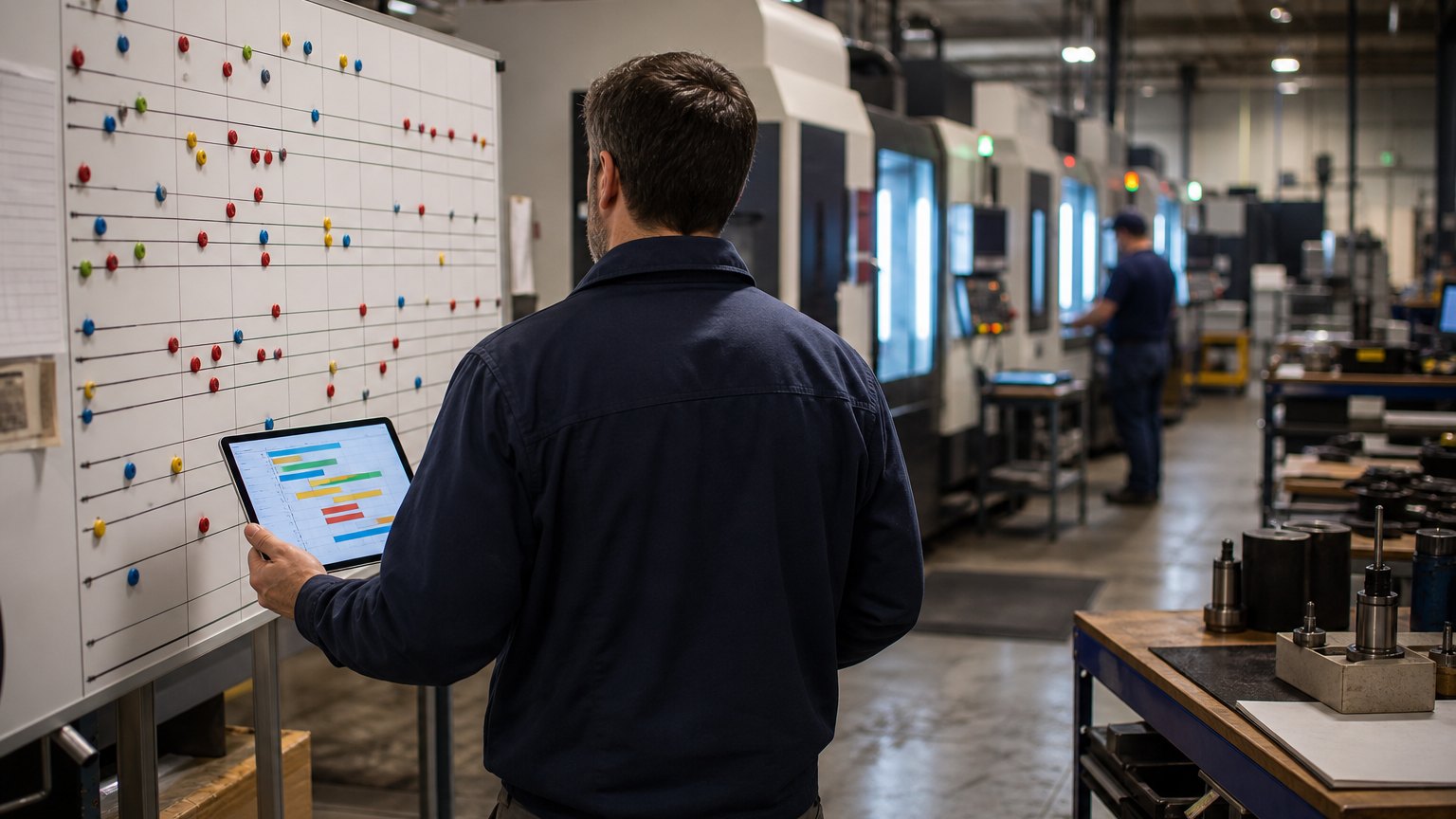
A schedule is only as good as the information coming back from the floor. Here is how small manufacturers move from a whiteboard to a schedule they can trust.
The scheduler is not the problem. The problem is that the schedule finds out about reality last.
Every job shop has a version of the board. Maybe it is a whiteboard by the office door, maybe a spreadsheet with color-coded rows, maybe a stack of travelers in a rack. One person keeps it current, everyone walks over to read it, and on a good week it works.
Then a hot job lands, a machine goes down, material shows up a day late, and the board is wrong before lunch. The scheduler spends the afternoon walking the floor to find out what actually happened, and the promise dates on open orders quietly stop being true.
This guide covers when a shop has outgrown its board, what a spreadsheet cannot hold, and how to build a schedule that keeps up with the floor.
Signs You Have Outgrown the Board
If three or more sound familiar, the issue is not effort. Your shop has more moving parts than the tool can hold.
The Three Constraints a Spreadsheet Cannot Hold
A realistic schedule respects three limits at once:
A spreadsheet can track any one of these. Keeping all three current, every time something changes, is where it falls apart.
Schedule From the Bottleneck
Most shops have one or two work centers that limit everything: the five-axis machine, the paint line, the welding cell. Schedule those first and protect their time. Everything upstream feeds them, and everything downstream follows them.
That single rule simplifies the problem. You do not need a perfect schedule for every machine. You need a reliable one for the bottleneck and a sensible queue for the rest.
Close the Loop With the Floor
A schedule built in the office is a forecast. It becomes useful only when the floor reports back. At minimum, every work center should report:
Operators tapping a shared screen at the work center is enough. When those events flow into the schedule, the board shows what is actually running, and the scheduler stops walking the floor to find out.
Whiteboard, Spreadsheet or Scheduling Board?
| Tool | Holds capacity | Knows material status | Updates from the floor | Works when the scheduler is out |
|---|---|---|---|---|
| Whiteboard | By eye | No | Only if someone walks over | No |
| Spreadsheet | With formulas | Sometimes, if typed in | No | Rarely |
| Connected scheduling board | Yes, by work center | Yes, from purchasing and inventory | Yes, from floor screens | Yes |
Build It in This Order
- Clean routings and work center capacities
- One shared job list with due dates
- Material readiness on every job
- Start, stop and quantity reported from the floor
- Drag-and-drop board on the bottleneck first
- Late-job alerts against promise dates
Do not start with the drag-and-drop board. Start with clean routings and realistic work center hours. A beautiful board on top of wrong run times just produces wrong dates faster.
What to Measure
Pitfalls and What to Do Instead
| Pitfall | Do this instead |
|---|---|
| Scheduling every machine to the minute | Schedule the bottleneck tightly and keep simple queues elsewhere |
| Ignoring setup time | Group similar jobs on the bottleneck to win back capacity |
| Leaving sales out | Give sales a read-only view of projected ship dates |
What the Published Numbers Say
Both published case studies here paired scheduling with data coming back from the floor, and neither needed new machinery. Published industry case studies from software firms show where the time goes. The figures below are self-reported by the firms that published them, and each describes a single project rather than an industry average.
Manual production data entry per day (global manufacturer)
Before: 3 hoursAfter: 30 minutes
Self-reported results from case studies other software firms have published. See Sources & method below.
- 83%less manual production data entry after automating shop-floor data collection
- 50%less production planning time at the same manufacturer, with growth supported without adding administrative staff
- 7%higher labor efficiency reported by a family-owned rubber and plastic products maker whose ERP project included a live, drag-and-drop schedule
Self-reported results from case studies other software firms have published. See Sources & method below.
Where does your team sit? The 14-day Ops Efficiency audit measures it. Book the audit
Your Next Two Weeks
Pick your bottleneck work center and track starts, stops and quantities there for two weeks. You will learn more about your real capacity than any spreadsheet has told you.
Then book the 14-day Ops Efficiency audit and we will map your scheduling process with you and show what to connect first. Read more about our work with manufacturers, or browse other guides on our blog.
Sources & method
- Global manufacturer, production data collection and scheduling — published case study (DragonPoint Software)
- Family-owned rubber and plastic products manufacturer, ERP scheduling module — published case study (Atlas Solutions)
Figures are self-reported results from case studies other software firms have published. Delta did not produce these results. Where a source says “up to”, so do we.
FAQ
Frequently Asked Questions

Know a business that’s struggling to keep up with changing customer expectations?
Share this article.
Tell Us What You’re Seeing
How are customer expectations changing in your industry? Share your thoughts privately with Delta Insights.