Business Strategy
A Practical Checklist for Taking a Law Firm Paperless
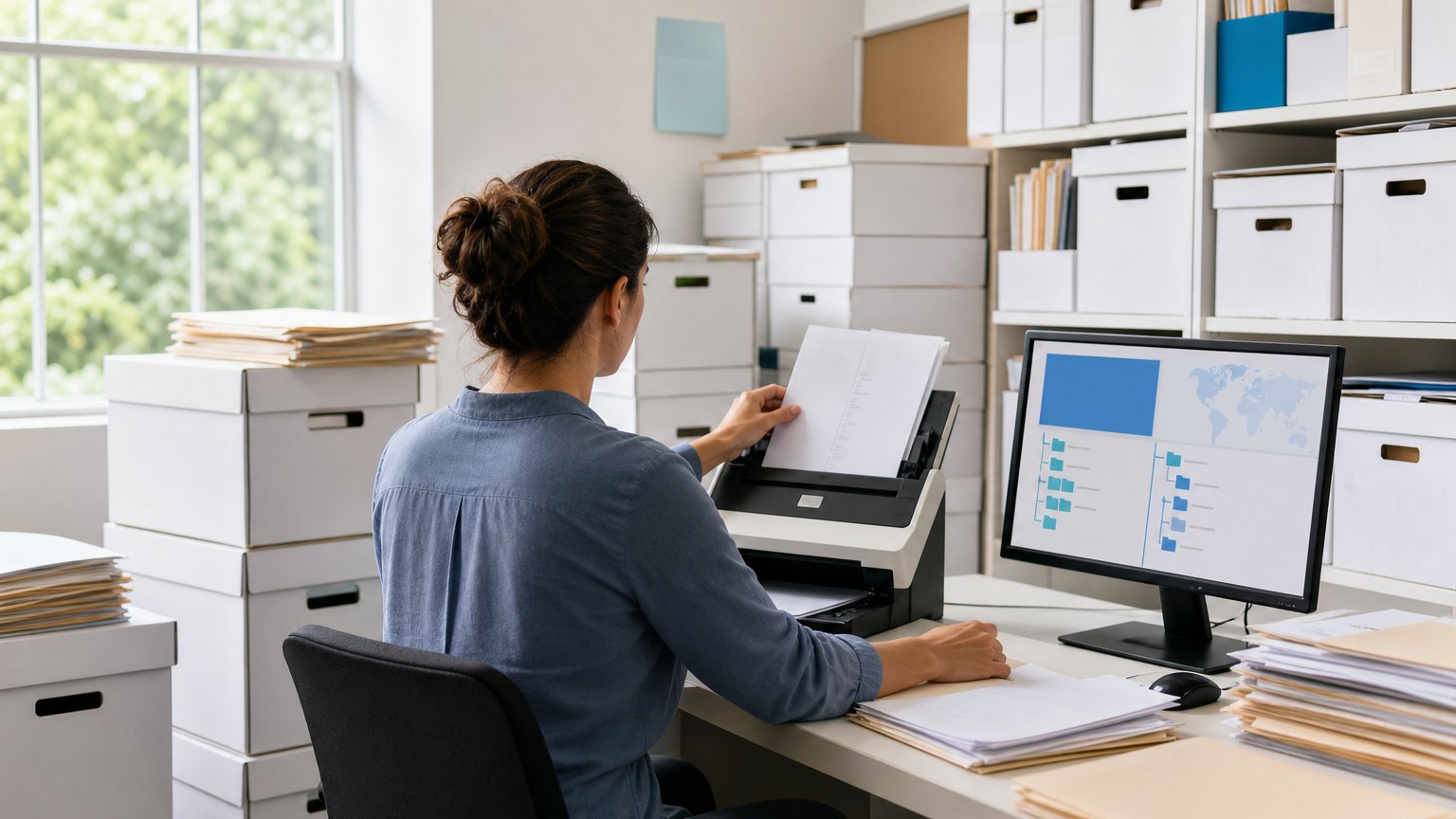
For office managers and operations partners moving a growing firm off filing cabinets, paper forms and shared drives nobody can search.
Going paperless is not scanning everything. It is deciding where every document lives before it arrives.
Many firms that set out to go paperless end up with a digital filing cabinet that is harder to search than the paper one. The scanning got done. The structure did not. Files land in personal folders, names follow whoever saved them, and the signed version of an important document lives in someone's email.
This checklist covers the decisions that make a paperless firm work: where files live, what they are called, how paper and signatures enter the system, who can see what, and what happens when a matter closes. Work through it before you buy a scanner or a new tool.
Why Paperless Projects Stall
Most paperless projects stall for one of three reasons. They start with the backlog instead of new work, so the job looks endless. They move documents without agreeing on structure, so nothing is findable. Or they keep the paper path open, so staff keep using it.
The Checklist
Work through each item and agree on what "done" looks like before moving to the next.
| Item | Done when |
|---|---|
| One home per matter | Every matter has a single folder or workspace, created automatically when the matter opens |
| A standard folder template | Every matter folder has the same subfolders, in the same order |
| A naming convention | Every new file follows one written pattern, and staff can name it without looking it up |
| Capture at the door | Mail is scanned the day it arrives and filed to the matter, not to a personal folder |
| Forms and signatures online | Consent forms, engagement documents and routine forms are signed electronically |
| Permissions by role | Access follows the matter and the person's role, with restricted matters locked down |
| Search that works | Scanned documents are text-searchable and tagged with the matter number |
| Email filing | Client and matter emails are saved to the matter, not left in inboxes |
| A closing routine | Closed matters are archived read-only under the firm's retention policy |
| Tested backups | Someone has restored a sample of files from backup and confirmed they open |
Folder template
Keep it short. A handful of top-level folders, such as correspondence, client documents, filings, billing and internal notes, is easier to follow than twenty. Agree on it once, then create it automatically for every new matter.
Naming convention
Start file names with the date in year-month-day order, then the document type, then a short description. Files then sort by date, and anyone scanning the list can see what each one is. Write the rule on one page and pin it.
Capture at the door
Paper that enters the office should be scanned and filed the day it arrives, by a named person. Documents that clients send should arrive through an upload link or form that files them to the matter, rather than as email attachments someone has to save.
Permissions
Set access by matter and role from the start. It is far easier to grant access to a structured system than to lock down a shared drive after the fact.
- Agree The Structure And Naming Rules
- Make Every New Matter Born Digital
- Move Active Matters Next
- Archive Closed Files By Priority
- Retire The Paper Path
What To Do With The Old Paper
Do not try to scan everything at once. Make new matters digital first, then move active matters as they need attention. Scan closed files only when they are requested or as part of a planned archive project, and make decisions about keeping or destroying old files under your firm's retention policy.
What To Measure
By The Numbers
Published industry case studies from software firms show where the time goes. In published legal-services case studies, document processing and data entry is the most common workflow, and staff hours saved is the most commonly reported result. Most of these projects describe their gains in words rather than figures, which is why the examples below are largely qualitative. They are self-reported by the firms that published them.
Results vary by firm, and none of these is a promise. They show that the gains come from structure and automatic filing, not from the scanner.
Where does your team sit? The 14-day Ops Efficiency audit measures it. Book the audit
Where To Start
Agree on the folder template and naming rule this week, and apply them to every matter opened from next Monday. Then measure time-to-find for a month before you tackle the backlog.
Delta Technologies builds document and filing workflows around the systems a firm already uses. Explore our services, read more on the Delta blog, or book a systems review to find where documents get lost in your firm today.
Sources & method
- Local law firm, paperless document management app — published case study (Deep Fork Technology)
- Boston immigration law firm, intake forms with automatic filing — published case study (RooksDM)
- Workers' compensation law firm, legacy case system rebuild — published case study (Ticomix)
Figures are self-reported results from case studies other software firms have published. Delta did not produce these results. Where a source says “up to”, so do we.
FAQ
Frequently Asked Questions

Know a business that’s struggling to keep up with changing customer expectations?
Share this article.
Tell Us What You’re Seeing
How are customer expectations changing in your industry? Share your thoughts privately with Delta Insights.