Technology Deep Dive
Paperless Quality Inspections: How Manufacturers Replace Clipboards and Spreadsheets
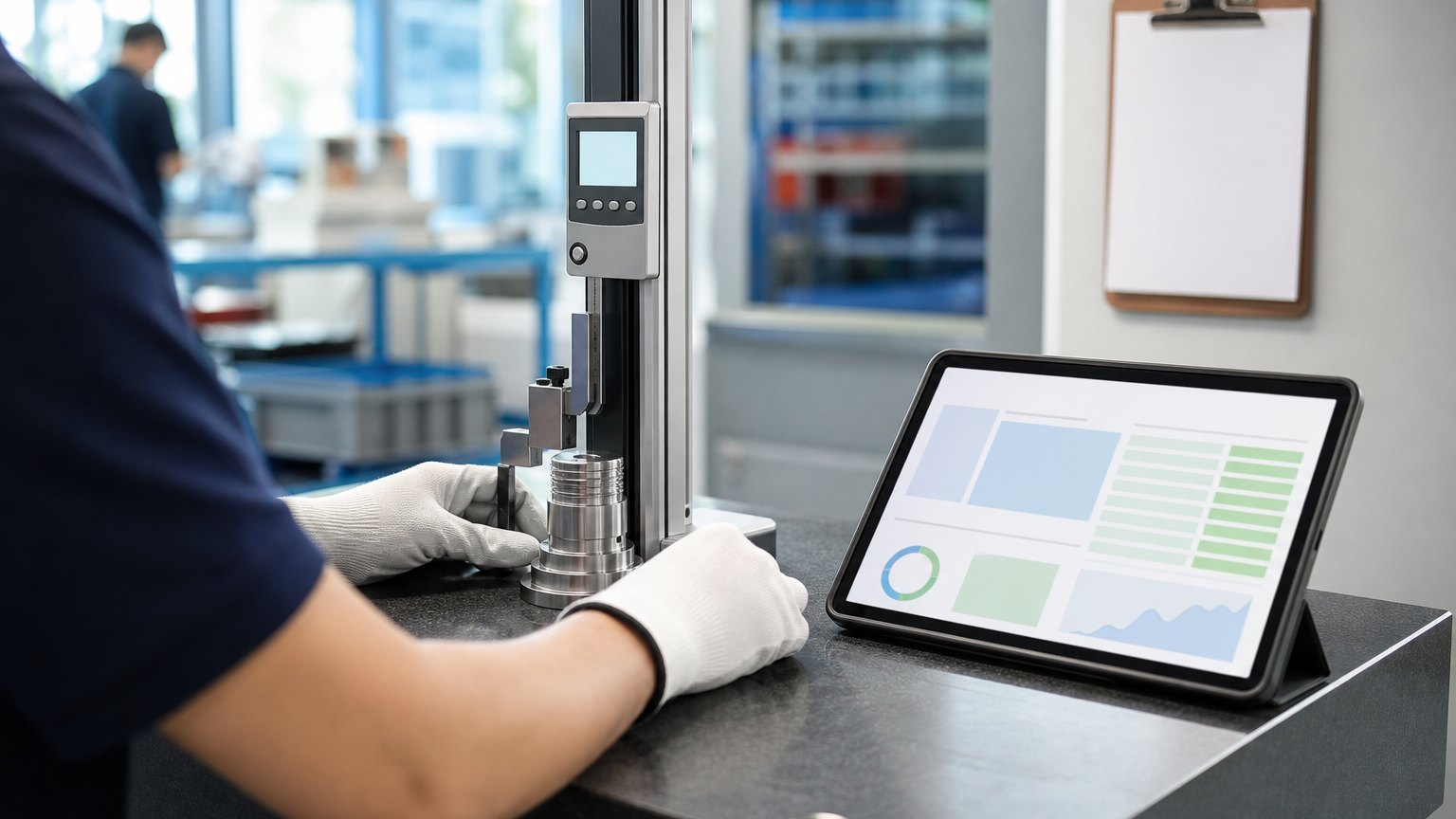
Inspection data written on paper and typed into spreadsheets arrives late and wrong. Here is how to capture it once, at the gauge, and act on it the same shift.
An inspection record that reaches the quality manager three days later is history, not control.
Here is what a paper inspection usually looks like. An operator measures a part, writes the reading on a sheet clipped to the machine, and keeps running. At the end of the shift, the sheets go into a folder. Sometime that week, someone types them into a spreadsheet. If a reading drifted out of tolerance on Tuesday morning, the quality manager finds out on Friday, after three days of parts.
Paper is not the real problem. The problem is that the data arrives late, gets typed twice, and cannot trigger anything. Going paperless fixes all three, and as the published examples below show, the time hiding inside a single routine can be large.
What to Digitize First
Not every inspection deserves the same effort. Rank them by what a late or wrong reading costs you:
| Inspection | What it decides | Cost of a late or wrong record |
|---|---|---|
| First article | Whether a run can start | A full run made to the wrong setup |
| In-process checks | Whether a run keeps going | Hours of parts made after a drift |
| Receiving inspection | Whether material enters stock | Bad material reaching the floor |
| Final inspection | Whether parts ship | Escapes to the customer |
| Audits and calibration | Whether gauges and processes can be trusted | Findings at audit time |
For most plants, in-process checks on one or two critical characteristics are the best first project. They run many times a shift, drift is expensive, and the payoff of an instant out-of-tolerance alert is obvious to everyone.
Design the Form Around the Gauge and the Operator
A digital form that is slower than the clipboard will not survive a week on the floor. Build it with the people who use it:
Then show the data back. A simple chart of the last fifty readings at the machine turns inspection from paperwork into a tool operators use to adjust before parts go bad.
A Simple Nonconformance Workflow
When a check fails, the record should start a process, not end in a folder.
- Flag the failed check where it happens
- Contain: tag and segregate the parts
- Disposition: rework, scrap, use as is or return
- Find the cause and assign one owner
- Close with proof and watch the trend
Keep it short. Every NCR needs one owner, a disposition and a due date. When the same failure shows up three times, it becomes a corrective action with a root cause, not another NCR.
Why Digital Forms Get Abandoned
What to Measure
| Measure | What it tells you |
|---|---|
| Time from a failed check to containment | How fast bad parts stop |
| Readings captured at the point of inspection | Whether the floor actually uses the forms |
| Hours a month typing inspection data | The admin time still left to remove |
| Scrap and rework cost | Whether faster alerts are paying off |
| Open NCRs, their age and repeat failures | Whether causes get fixed or just recorded |
Published Results From Other Plants
All four of the published case studies here replaced handwritten notes or spreadsheet entry with data captured once and checked automatically. Published industry case studies from software firms show where the time goes. The figures below are self-reported by the firms that published them, and each describes a single project rather than an industry average.
Blade inspection routine (specialty chemical company)
Before: 45-minute microscope routineAfter: Two-minute scan
Self-reported results from case studies other software firms have published. See Sources & method below.
- 82%lower non-conformance rate reported by a family-owned rubber and plastic products maker whose ERP project added SPC quality control, with scrap down 7% to under 1%
- 80%fewer discrepancies and 85% faster confirmations after a bolt maker moved tension readings to a mobile app
- 40 hrsa month saved at a truck manufacturer by replacing an Excel quality workbook used by 40 staff
Self-reported results from case studies other software firms have published. See Sources & method below.
Where does your team sit? The 14-day Ops Efficiency audit measures it. Book the audit
Pick One Characteristic
Pick one critical characteristic on one machine, put the check on a screen, and track time to containment for a month. The result will tell you whether to expand.
Book a systems review and we will look at your inspection flow with you and find the check worth moving first. See how we work with manufacturers and explore our services.
Sources & method
- Specialty chemical company, automated blade inspection and reporting — published case study (KEYSYS)
- Bolt manufacturer, mobile tension-reading app — published case study (Dot Com Development)
- Truck manufacturer, web quality rating system — published case study (Level Up Development, 2024)
- Family-owned rubber and plastic products manufacturer, SPC quality module — published case study (Atlas Solutions)
Figures are self-reported results from case studies other software firms have published. Delta did not produce these results. Where a source says “up to”, so do we.
FAQ
Frequently Asked Questions

Know a business that’s struggling to keep up with changing customer expectations?
Share this article.
Tell Us What You’re Seeing
How are customer expectations changing in your industry? Share your thoughts privately with Delta Insights.