Business Strategy
How Restaurants Grow Catering Orders Without Overloading the Kitchen
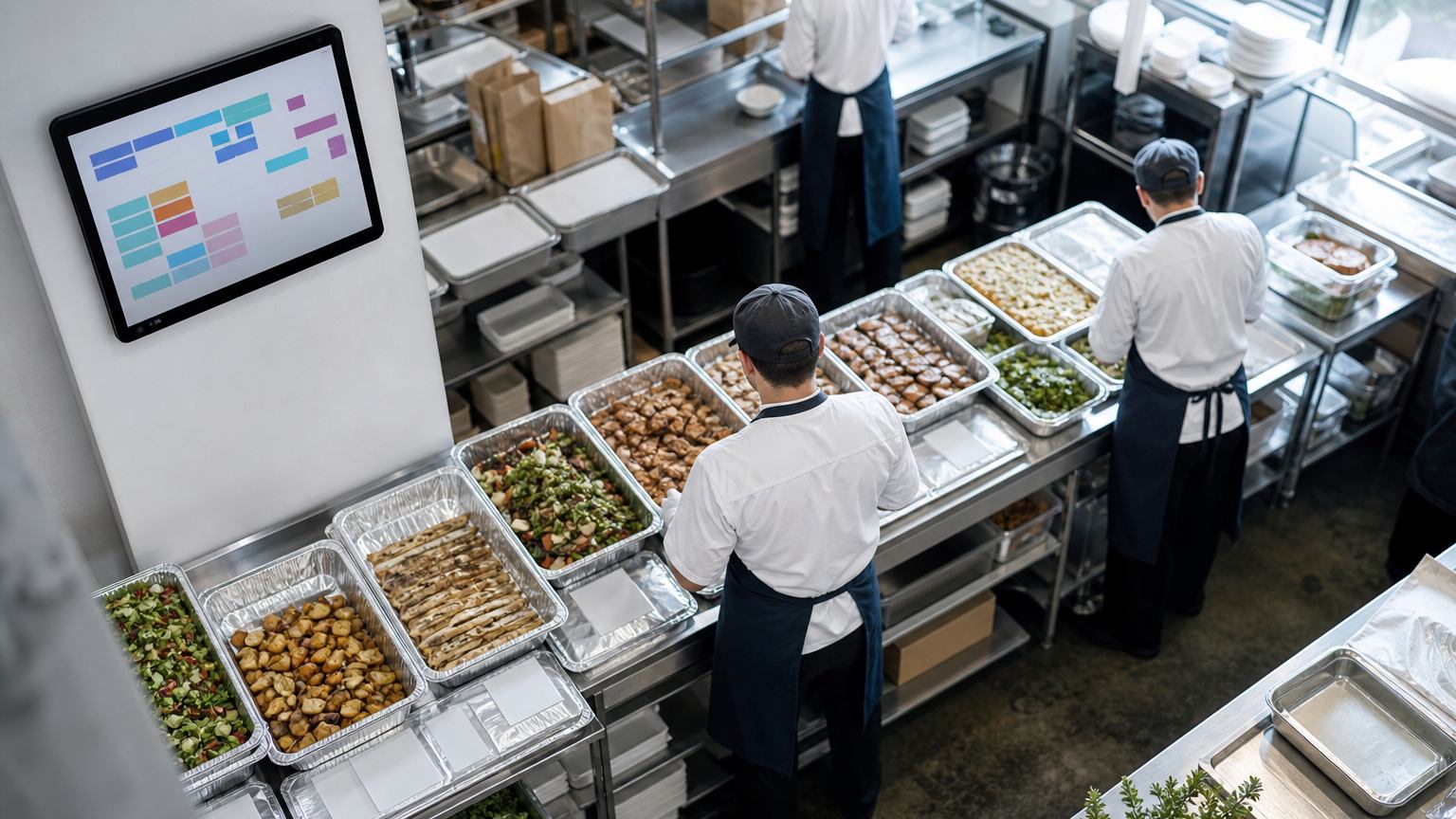
Catering can be a restaurant's most profitable channel, but it does not fit a system built for tables and takeout. Here is how to set it up properly.
A catering order is a small project with a deadline, a budget and a client. Treat it like a big takeout ticket and it will fail like one.
Catering looks like the easiest growth a restaurant can find. The kitchen, the menu and the brand already exist, and a single office lunch can equal a full table turn at dinner.
Then the orders start coming in by phone, email and text. Someone writes them in a notebook. The kitchen finds out about a 120-person lunch the night before. A corporate client asks for an invoice with a purchase order number, and nobody knows where to put it. And the POS treats a tray of 40 identical sandwiches as 40 separate tickets.
Catering fails in restaurants for one reason more than any other: it is run on systems built for tables and takeout. This guide covers what a catering order needs to capture, how to plan production, how to handle corporate accounts, and what to measure.
Why catering breaks normal restaurant systems
A takeout order is placed, made and handed over within an hour. A catering order is closer to a small project:
What every catering order must capture
| Field | Why it matters |
|---|---|
| Event date, ready time and delivery window | Drives production scheduling and the driver's route |
| Headcount and portion rules | Lets the system scale quantities instead of someone doing the math |
| Dietary and allergen notes per item | Prevents the most expensive kind of mistake |
| Delivery address, contact and setup notes | Saves the driver a phone call at the loading dock |
| Payment method, deposit and billing terms | Separates prepaid orders from invoiced accounts |
| Company account and purchase order number | Lets corporate clients pay without chasing you |
| Change history | Shows who changed the headcount, and when |
If your current process cannot capture all of these in one place, that is the first thing to fix.
Plan production by window, not by order
Catering orders should flow into a production plan, not just a ticket queue.
Make it easy for corporate clients to reorder
Most catering revenue comes from repeat business clients: office managers and executive assistants who order every week. Make their life easy:
Quotes, deposits and changes
Large or custom orders usually start as a quote. Send it from the system, not from a word processor, so the accepted quote becomes the order without retyping. Take a deposit or a card on file when the quote is accepted, and state the change and cancellation cutoffs on the quote itself. When a client changes the headcount, the system should recalculate quantities and price, and flag the change to the kitchen if the order is inside its production window.
Pitfalls to avoid
What to measure
By the numbers
Published industry case studies from software firms show what catering can become when ordering works. The figures below are self-reported by the firms that published them, and each describes a single project rather than an industry average.
- $229Min value generated in catering at a 2,600-location quick-service brand after it overhauled digital ordering
- 1,000%catering revenue increase reported in the same case study
Self-reported results from case studies other software firms have published. See Sources & method below.
Where does your team sit? The 14-day Ops Efficiency audit measures it. Book the audit
Where to start
Pull last month's catering orders and count how many arrived by phone or email, and how many changed after they were placed. Those two numbers tell you where the process is leaking.
Delta Technologies builds ordering and operations software around the POS a restaurant already uses. See our services, read more on the blog, or book a systems review to map your catering workflow from inquiry to invoice.
Sources & method
- Quick-service brand with 2,600 locations, online ordering and catering — published case study (Stable Kernel)
- Smoothie chain, catering orders in an in-store recipe engine — published case study (Carrollton Enterprise Services)
Figures are self-reported results from case studies other software firms have published. Delta did not produce these results. Where a source says “up to”, so do we.
FAQ
Frequently Asked Questions

Know a business that’s struggling to keep up with changing customer expectations?
Share this article.
Tell Us What You’re Seeing
How are customer expectations changing in your industry? Share your thoughts privately with Delta Insights.