Business Strategy
How to Stop Double Data Entry Between Your Field Techs and the Office
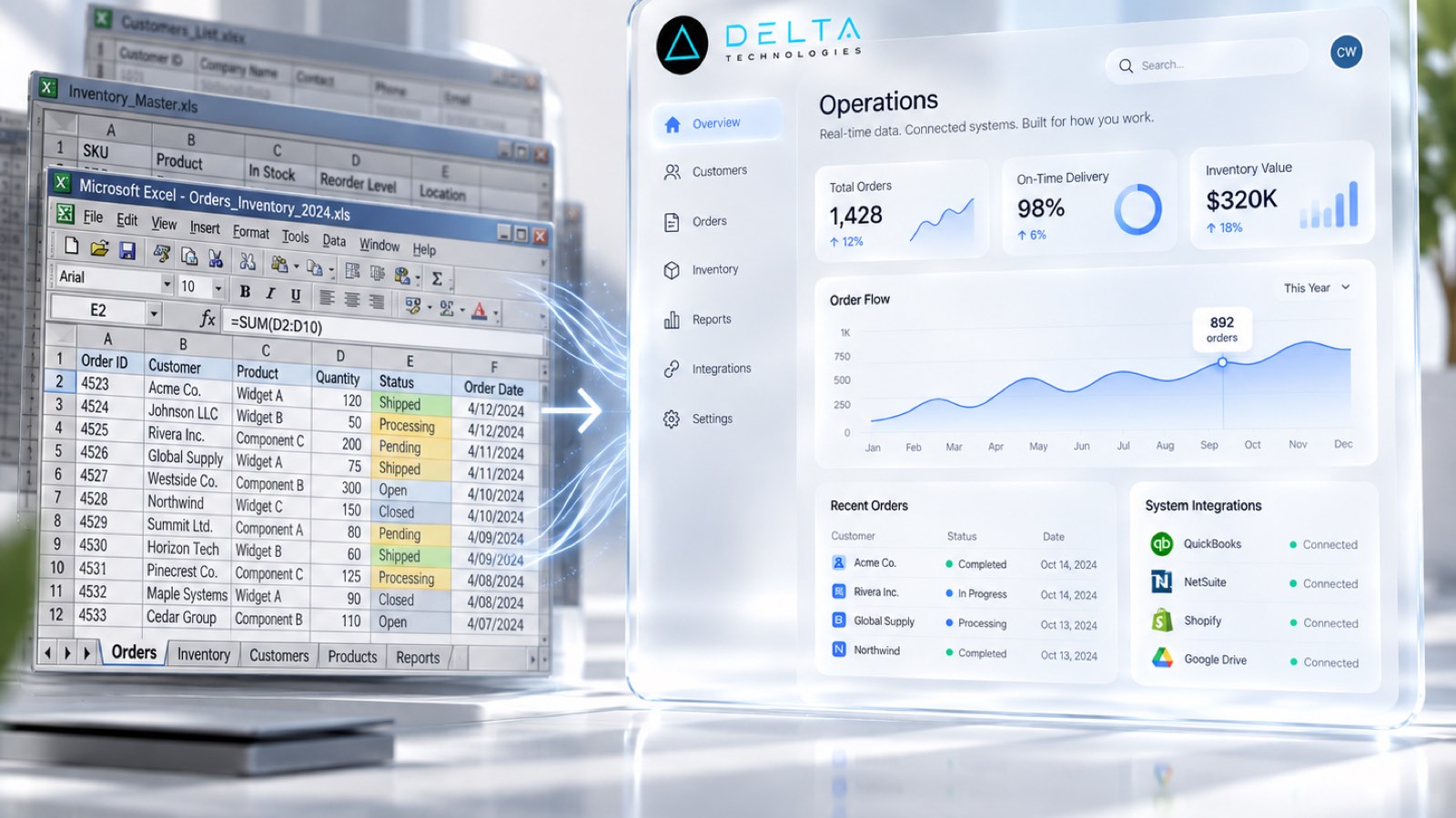
A practical guide for HVAC, plumbing, electrical, and other trade service companies whose job details get typed two or three times before anyone gets paid.
Every time someone retypes what a technician already wrote down, you pay for the same work twice and add a new chance to get it wrong.
A technician finishes a job and writes up what was done, which parts were used, and how long it took. Then someone in the office types the same details into the scheduling system. Then again into invoicing. Then again into payroll at the end of the week.
That is double data entry, and in many service companies it is triple or quadruple. It rarely appears as a line on the profit and loss statement, but it shows up everywhere else: invoices that go out late, payroll that eats a full day, parts that never get billed, and an office team that cannot keep up as you add trucks.
This guide is for owners and office managers at HVAC, plumbing, electrical, and other trade service companies. It covers where re-keying hides, how to stop it step by step, and what other companies have reported after fixing it.
What Double Data Entry Really Costs a Service Company
The obvious cost is time. Every retyped work order is office labor spent copying instead of collecting payment, calling customers, or booking the next job.
The less obvious costs are bigger:
Where Re-Keying Hides
Most owners can name one or two places where data gets retyped. There are usually more. Walk a single job from first call to final payment and check for these:
If you count three or more, your office is acting as a human integration layer between your systems.
How to Stop It: Five Practical Steps
- Map every place a job's data gets typed
- Choose one system of record for the job
- Capture data once, where the work happens
- Push the data instead of retyping it
- Measure before and after
1. Map every place a job's data gets typed
Pick one common job type, such as a residential service call. Follow it from the first phone call to the deposited payment and write down every screen, sheet, or form where someone enters information. Note who types it and how long it waits before the next step. This map is your baseline, and it usually surprises people.
2. Choose one system of record for the job
Decide which system owns the truth about a job: the customer, the address, the work performed, the parts, the time, and the status. Everything else should read from it or write to it. If two systems both claim to be the source of truth, your staff will keep reconciling them by hand.
3. Capture data once, where the work happens
The technician is the person who knows what happened on the job. Give them a simple way to record it on the phone or tablet they already carry: checklists instead of free text, photos attached to the job, parts picked from a list, and time recorded as they go. The goal is that nobody in the office has to interpret handwriting.
4. Push the data instead of retyping it
Once a job is captured, it should flow automatically into invoicing, payroll, and reporting. That might mean connecting your field service software to your accounting system, or building a small connecting layer when the tools you use do not talk to each other. This is where most of the hours come back.
5. Measure before and after
Use the map from step one. Time how long the office spends per job today, then measure again after the change. Track invoice lag, the days from job complete to invoice sent, and payroll prep time. Real numbers make it easy to decide what to fix next.
By the Numbers: What Published Case Studies Show
Published industry case studies from software firms show where the time goes. The figures below are self-reported by the firms that published them, and each describes a single project rather than an industry average.
- 80%reduction in data entry time at a $10-50M field services company with over 200 employees
- 6 → 3office staff at a family-owned electrical contractor after its back-office system was replaced
- 25%reduction in reporting time, approximately 130 hours saved per week across teams
Self-reported results from case studies other software firms have published. See Sources & method below.
The pattern across these cases is consistent. The gains came from capturing information once and letting systems share it, not from asking people to type faster.
Where does your team sit? The 14-day Ops Efficiency audit measures it. Book the audit
Buy, Connect, or Build?
You do not always need new software. Many companies already own a field service platform and an accounting system that can be connected. Start there.
Custom software makes sense when your process is something packaged tools cannot model: unusual pay structures, multi-branch workflows, or inspection reports your customers require in a specific format. In those cases, a focused custom layer between your existing tools is often faster and less disruptive than replacing everything. We explain how we approach that in our custom software development services. If you run a specialty trade contractor, see how we work with construction and specialty trades.
Where to Start
Pick the one place where re-keying hurts most, usually payroll or invoicing, and fix that first. One clean flow from the field to the office builds trust for the next one.
If you want help finding where the hours go, book a systems review. We will map how a job moves through your company today and show you which handoffs to automate first.
Sources & method
- Field services company, digital field capture — published case study (NextLink Labs, 2025)
- Electrical contractor, back-office system replacement — published case study (Accounting Systems, Inc., 2018)
- In-home flooring sales business, tablet quoting app — published case study (One Team US)
- Facility-systems maintenance company, data unification — published case study (FocustApps)
Figures are self-reported results from case studies other software firms have published. Delta did not produce these results. Where a source says “up to”, so do we.
FAQ
Frequently Asked Questions

Know a business that’s struggling to keep up with changing customer expectations?
Share this article.
Tell Us What You’re Seeing
How are customer expectations changing in your industry? Share your thoughts privately with Delta Insights.